
In today’s fast-paced world, we rely on our phones more than ever—whether it’s for meetings, photography, content creation, or staying connected with loved ones. With all that demand, the last thing you want is for your phone’s battery to die unexpectedly. When it happens, it can feel like you’re cut off from the world. That’s why learning how to charge your phone faster is essential for busy individuals who need their devices powered up in no time.
This guide will show you how to charge your phone faster by understanding the different charging methods and tips that can help you get back to full power quickly. Whether you’re looking for ways to increase your charging speed, understanding why certain chargers are better, or learning the tricks to optimize your battery, we’ve got you covered. Read on to discover the most efficient techniques for fast charging your smartphone.
1. Upgrade Your Charger for Faster Charging
If you’re wondering how to charge your phone faster, one of the first steps is to check your charger. An old or damaged charger can significantly slow down charging speeds, especially if your charging cable is worn out. Over time, these cables lose their ability to transmit power efficiently, resulting in slower charging.
To charge your phone faster, you’ll want to invest in a new, high-quality charging cable. High-speed chargers, such as Qualcomm Quick Charge and USB-C PD (Power Delivery) chargers, can charge your device up to 50% faster than standard chargers. When choosing a charger, make sure to purchase one from a reputable brand and ensure it’s compatible with your device to avoid any potential damage.
While upgrading your charger may come with a higher upfront cost, the benefits are well worth the investment. With the right charger, you’ll notice a significant improvement in the time it takes to charge your phone faster.
2. Avoid Using Your Phone While Charging
We all love to multitask, but using your phone while charging can severely slow down the charging process. When you’re watching videos, texting, or browsing the web, your phone uses power, which competes with the battery’s ability to charge.
To maximize charging speed and charge your phone faster, it’s essential to leave your device untouched while charging. Even if you’re using a high-speed charger, any activity that draws power from the battery will reduce the rate at which your phone charges. If you need your phone fully charged quickly, resist the temptation to use it during the process.
3. Switch to MagSafe or Wireless Charging
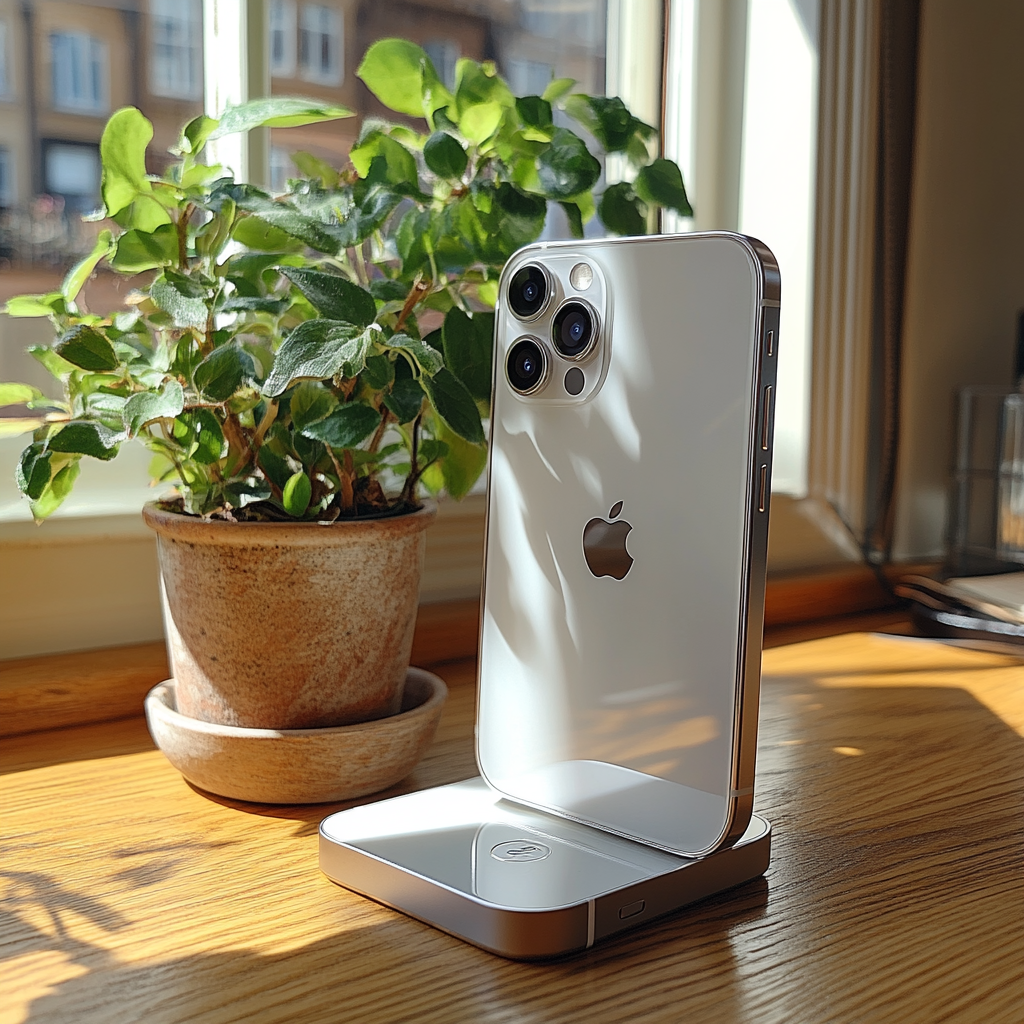
While traditional wired charging remains the fastest option for most devices, MagSafe technology has gained popularity as an efficient wireless charging method. MagSafe uses magnets to align your phone perfectly with the charging pad, offering a more reliable and faster wireless charging experience compared to standard Qi chargers.
If you use a wireless charger, charging your phone faster with MagSafe can help you achieve higher speeds. Wireless chargers can often be slower than wall chargers, but MagSafe reduces this gap by offering faster wireless charging capabilities, provided you have a compatible device.
For those who need to charge your phone faster on the go, wireless charging stations are also a great option. Portable wireless chargers allow you to charge your phone without being tethered to a wall outlet, though they may still not be as quick as plugging into a wall socket directly.
4. Avoid Charging Through Your Laptop or Computer
Charging your phone through a USB port on a laptop or computer might seem convenient, but it’s often much slower compared to using a wall charger. USB ports on computers generally provide less power, meaning your phone will take longer to charge. Additionally, if your laptop’s USB port is old or faulty, it could result in even slower charging speeds.
If you want to charge your phone faster, always use a dedicated wall charger instead of relying on your computer. Wall outlets deliver higher levels of power, which allows your phone to charge quickly. This is especially important if you’re in a rush and need your phone back to full power as soon as possible.
5. Turn Off Your Phone for Faster Charging
A simple yet effective way to charge your phone faster is to turn it off completely while it charges. When your phone is on, it continues running background applications and processes, which drain power from the battery. By turning it off, you eliminate this power drain, allowing your phone to focus solely on charging.
Turning your phone off is one of the best ways to charge your phone faster because it minimizes the load on the battery, allowing it to charge more quickly. If you need to preserve power and aren’t concerned about notifications, consider switching off your device while charging.
6. Use Airplane Mode to Limit Power Drain
If you can’t afford to turn off your phone but still want to charge your phone faster, using Airplane Mode is a great alternative. Airplane Mode disables Wi-Fi, cellular data, and Bluetooth, which are all major battery drainers. With fewer apps and processes running, your phone will charge faster than it would if these functions were active.
While Airplane Mode is not as effective as turning your phone off completely, it still helps reduce the battery drain significantly. This is a helpful option if you’re charging on the go and don’t want to miss important calls or messages but still want to speed up the charging process.
7. Keep Your Phone Cool While Charging
Charging your phone can generate heat, which can slow down the charging process. To charge your phone faster, it’s essential to keep your device cool while charging. Excess heat can cause the charging speed to throttle down to protect your phone from damage.
Avoid charging your phone under direct sunlight, on soft surfaces like a bed or pillow, or in a hot car. Instead, place your phone on a hard, flat surface where the air can circulate and keep the temperature down. Using a fan or air conditioner in a warm room can also help maintain a lower temperature for faster charging.
8. Choose the Right Charging Accessories
To charge your phone faster, make sure you’re using the correct charging accessories for your device. Not all chargers are created equal, and using the wrong one can lead to slower charging speeds or even damage your device. When selecting a charger, look for one that supports fast charging technology like Qualcomm Quick Charge or USB Power Delivery (USB PD).
For example, Apple users with iPhones 8 and later will benefit from using a USB-C to Lightning cable and a compatible power adapter that supports USB PD for fast charging. Similarly, Samsung devices are optimized for fast charging when used with a USB-C charger that supports Adaptive Fast Charging or Super Fast Charging.
9. Remove Your Phone Case While Charging
If you’re using a thick phone case, it can trap heat and slow down the charging process. To charge your phone faster, consider removing the case while charging. This allows heat to dissipate more easily, which helps prevent the device from throttling the charging speed due to excess heat.
While it may not make a huge difference in charging time, removing your phone case can provide a small boost in charging efficiency, especially if you’re using a wireless charger.
10. Limit Battery Intensive Apps and Background Processes
Another way to charge your phone faster is to close any apps or processes running in the background. Apps like social media, video streaming, or navigation services can use a significant amount of power and slow down the charging process. Make sure to close these apps before charging to minimize power drain.
Additionally, disabling push notifications and background app refresh can help conserve power while charging. This ensures that your phone is not using energy for non-essential functions, allowing it to focus on charging.
Frequently Asked Questions
Is It Better to Charge Your Phone When It’s Off?
Yes, turning your phone off is one of the most effective ways to charge your phone faster. When your phone is off, it isn’t running background apps, updates, or notifications, allowing the battery to focus entirely on charging. This leads to faster and more efficient charging.
Does Wireless Charging Really Charge My Phone Faster?
Wireless charging can be convenient, but it is generally slower than wired charging. However, MagSafe technology and other high-quality wireless chargers have been designed to speed up the process and deliver faster charging speeds. While not as fast as plugging into a wall charger, wireless charging is still a good option for charging on the go.
How Can I Charge My Phone Faster on a Plane?
If you’re traveling by plane, using Airplane Mode can help reduce battery drain and speed up charging. Since your phone is no longer using cellular data, Wi-Fi, or Bluetooth, it uses less power, allowing it to charge faster.
Conclusion
Knowing how to charge your phone faster is essential for anyone who needs their device to be powered up quickly. By following these tips, such as upgrading your charger, using the right charging accessories, turning off your phone, or going wireless with MagSafe, you can reduce charging time significantly. Don’t let a low battery slow you down—optimize your charging process and keep your phone ready to go when you need it most.
With the right tools and techniques, you’ll never have to worry about running out of battery again. Whether you’re at home, at work, or on the go, you’ll be able to charge your phone faster and get back to what matters most.